
Change Your Home Screen,
Change Your Style
What You Can Do with OJapp
OJapp|A Free Tool to Turn Websites into Home Screen Apps
OJapp is a simple web tool that lets you add your favorite websites directly to your smartphone's home screen as app-like shortcuts just by entering a URL. No app development or traditional installations are required—you can set up your personalized web shortcut in seconds.
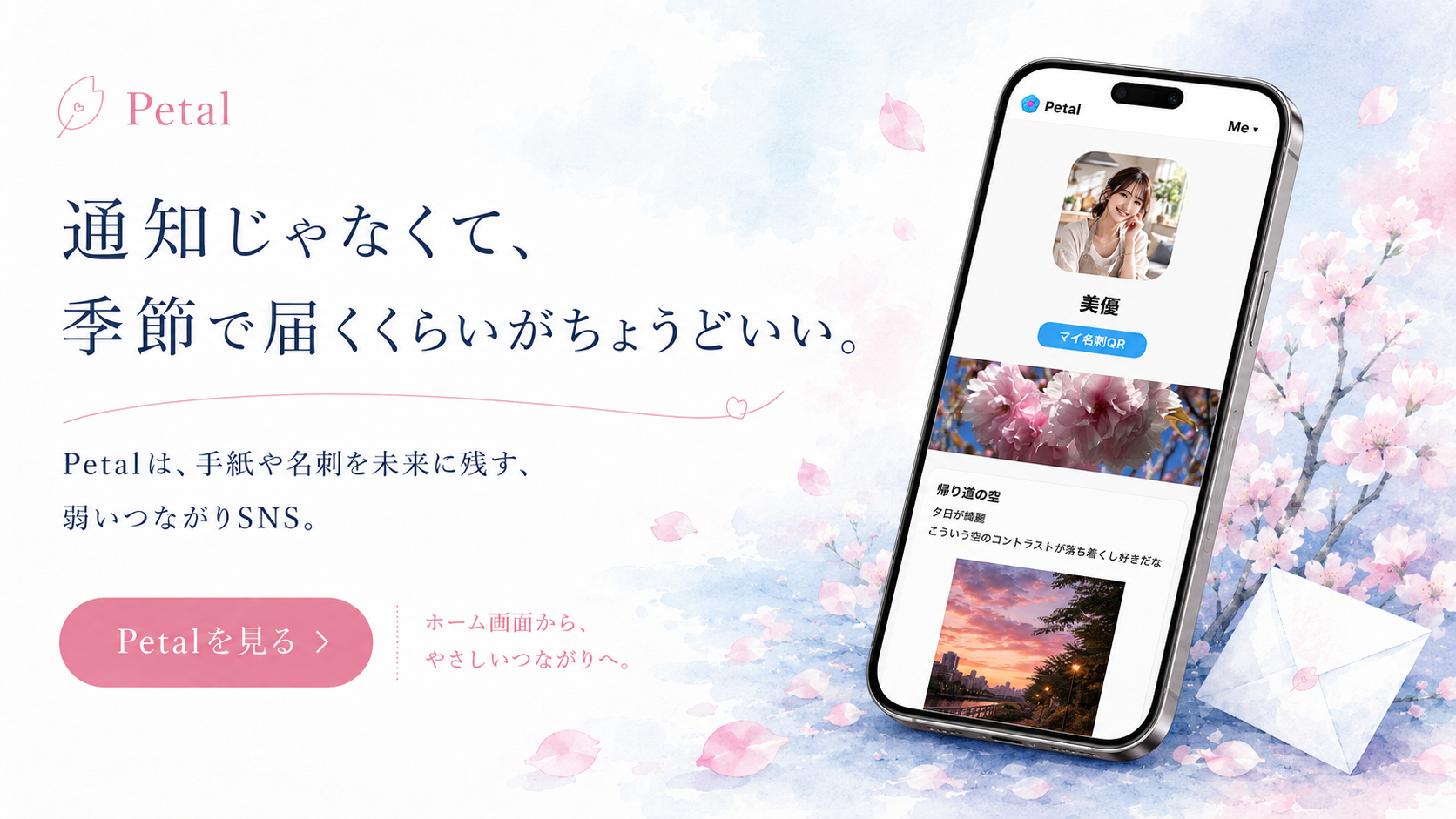
What You Can Do with OJapp
- Add websites to your home screen with native-like behaviors
- Use any custom image as your app shortcut icon
- Name your home screen apps freely
- Fully compatible with both iOS (iPhone) and Android
Who It's For
OJapp is perfect for people who want quick, single-tap access to frequently visited web services, or daily tools that do not have their own official native apps. You can use it with any valid web links including social media networks, dashboards, blogs, or personal pages.
How to Use
- Select an image to use for your app shortcut icon
- Enter your desired app name
- Type or paste the target website's HTTPS URL
- Open the generated shortcut link and follow instructions to add it to your home screen
No account registrations, emails, or complex setups are needed. Everything processes instantly directly inside your web browser so you can jump right in.
Why Choose OJapp
OJapp focuses entirely on a "simpler is better" design philosophy. By intentionally excluding distractive, unnecessary features, it offers an intuitive and uncluttered experience created solely to bridge your browser experience onto your home layout seamlessly.
Bring your digital life closer to your fingertips in a style that belongs completely to you. Start designing your home screen with OJapp today.